
When you first start collecting ebooks, you might run into a common question: why does the same book come in EPUB, MOBI, AZW, and AZW3? They all look like the same book when opened—text and images—so why do we need so many formats? Sometimes you download an ebook only to find your phone can’t open it, but your Kindle can. Or your computer’s reading app handles EPUB just fine but won’t recognize AZW3. It’s easy to get confused by all these format names.
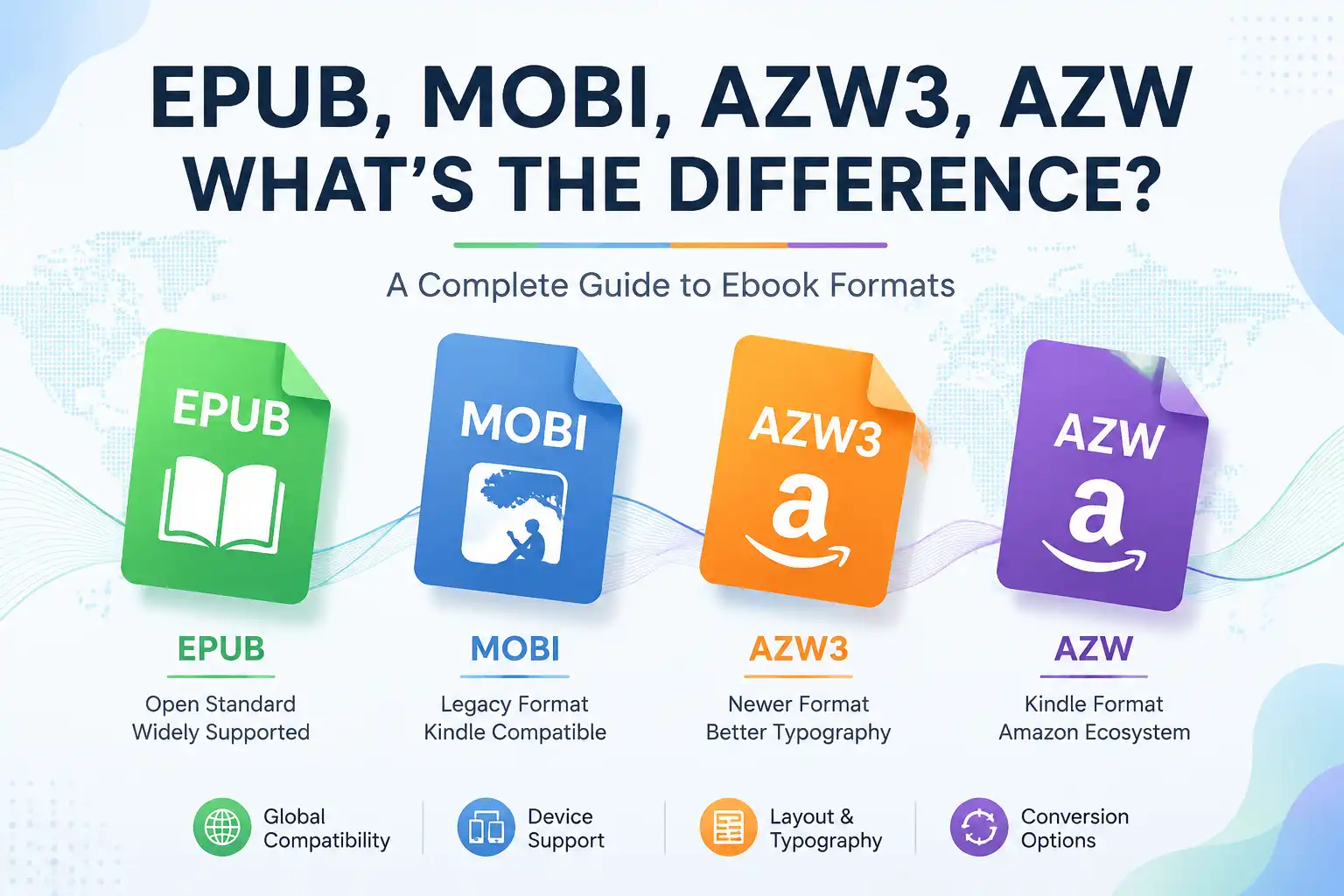
The differences between these formats go beyond just file extensions—they reflect different stages of development and different reading ecosystems. Simply put:
- EPUB is more like a universal standard for the ebook industry.
- MOBI was widely used on early Kindles.
- AZW is Amazon’s improved Kindle format based on MOBI.
- AZW3 is an upgraded version of AZW, supporting more complex layouts.
If you’re just looking for the "best" format, the answer isn’t set in stone. If you use a generic reading app, EPUB is typically the best choice. If you use a Kindle, AZW3 often delivers a better experience. If you still have MOBI files, there’s no rush to delete them—they still work just fine. Let’s dive into the real differences.
Why So Many Ebook Formats?
In the print-book era, everything looked the same once printed. With ebooks, things got complicated because they have to adapt to different devices—different phone screen sizes, tablet dimensions, and e-reader aspect ratios. Even on the same device, a user might adjust font size, line spacing, margins, or reading direction. That’s why ebooks can’t simply fix every page like a PDF. This led to two completely different approaches.
Fixed Layout
The typical format is PDF. This format is closer to a printed book: for example, a PDF book has a title on page one and an image on page two, and the layout stays mostly the same on any device. The pros: stable layout, great for printing and archiving. The cons: reading on a phone can be awkward—zooming in and out as you enlarge the text.
Reflowable Layout
The typical formats are EPUB, MOBI, AZW, and AZW3. These formats don’t fix pages; they behave more like web pages, with text reflowing automatically to fit the device. The same ebook might show 20 lines per page on a phone but 35 lines on a tablet, and the page count shifts when you change the font. That’s why these formats are better suited for reading.
What Is EPUB?
EPUB stands for Electronic Publication. It’s one of the most popular open ebook formats. If you download ebooks often, you’ll see EPUB everywhere.
EPUB’s Biggest Strength: Openness
The main advantage of EPUB is that it isn’t tied to a single company’s ecosystem. It was developed by the International Digital Publishing Forum (IDPF) and later maintained by the W3C. In simple terms, EPUB doesn’t belong to any one platform—any reading app can support it, whether on a phone, computer, tablet, or online reader. This is a key reason EPUB has become so widespread.
What’s Inside an EPUB File?
Many people assume an EPUB is just a special text file, but it’s not. It’s essentially a compressed package containing HTML files, CSS style sheets, images, fonts, table of contents, and metadata. If you rename an .epub file to .zip, you can sometimes peek directly inside.
Advantages of EPUB
1. Wide Compatibility
This is EPUB’s greatest strength. Apart from the Kindle ecosystem, most ebook software supports EPUB. When in doubt, go with EPUB.
2. Flexible Layout
EPUB supports custom fonts, image display, chapter navigation, footnotes, math formulas, and multimedia. For novels, the reading experience is excellent.
3. Clear Structure
Because EPUB is based on HTML and CSS, it’s easy to tweak later—change fonts, adjust layout, or convert to PDF. EPUB files are generally straightforward to work with.
Disadvantages of EPUB
The biggest downside of EPUB is its poor native support on Kindle. While you can now send EPUB files to your Kindle, the device doesn’t read them directly—it converts them to a Kindle format first. If you’re a Kindle user, EPUB may not be your best bet.
What Is MOBI?
MOBI is a format many longtime Kindle users know well. It played a major role in Kindle’s early days, and plenty of older Kindle ebook files still end with .mobi.
The Origins of MOBI
MOBI wasn’t created by Amazon originally; it came from a company called Mobipocket. Amazon later acquired Mobipocket and adapted the technology for the Kindle ecosystem, which is why MOBI and Kindle are so closely linked.
What Are MOBI’s Characteristics?
MOBI was designed with a clear goal: to run smoothly on low-performance devices. Early ebook readers had limited processing power and storage, so MOBI prioritized small file sizes, fast loading, and simple layouts.
Advantages of MOBI
Smaller File Size
Compared to more complex formats, MOBI files tend to be lightweight—an advantage for older Kindle devices.
Great Kindle Compatibility
Older Kindles handle MOBI well, and many ebook resources from a decade ago are still widely available in MOBI.
Disadvantages of MOBI
As ebook technology advanced, MOBI’s limitations became more apparent—weak support for complex layouts, limited CSS, and mediocre image handling. For books with many images, tables, code snippets, or intricate designs, MOBI may fall short.
What Is AZW?
AZW is Amazon’s Kindle ebook format. At first glance, it looks a lot like MOBI—and that’s essentially true. AZW can be seen as an improved version of MOBI created by Amazon.
Why Did Amazon Need AZW?
MOBI wasn’t designed by Amazon. As Kindle grew, Amazon wanted a format better suited to its own ecosystem, hence AZW.
The Relationship Between AZW and MOBI
Think of it this way: MOBI is a more generic older format; AZW is a Kindle-optimized version of MOBI. It adds Kindle-specific features like better font support, Kindle Store integration, and DRM protection.
AZW’s Key Feature
When you buy ebooks from the Kindle Store, the downloaded files are often in AZW, making them tightly integrated with Kindle devices.
What About AZW3?
AZW3 is an upgraded version of AZW, also known as Kindle Format 8 (KF8). Amazon introduced it to replace the older MOBI-based technology.
Why Was AZW3 Needed?
MOBI and early AZW were showing their age. Modern ebooks are more complex—high-resolution images, color illustrations, sophisticated layouts, diverse fonts, tables—older formats couldn’t keep up, so Amazon released AZW3.
What Makes AZW3 Better Than AZW?
It mainly comes down to layout. AZW3 supports richer HTML, better CSS, more font control, and more complex page layouts. For instance, a technical book with code blocks, images, tables, and annotations will usually look much better in AZW3 than in MOBI.
EPUB vs MOBI vs AZW3 vs AZW Comparison
| Format | Primary Platforms | Openness | Layout Quality | Recommendation |
|---|---|---|---|---|
| EPUB | Most reading software | High | Strong | ⭐⭐⭐⭐⭐ |
| MOBI | Older Kindles | Moderate | Weaker | ⭐⭐⭐ |
| AZW | Kindle | Lower | Moderate | ⭐⭐⭐ |
| AZW3 | Newer Kindles | Lower | Strong | ⭐⭐⭐⭐⭐ |
Which Format Should You Choose When Downloading Ebooks?
There’s no single right answer—it depends on your device.
Reading on a Phone
Go with EPUB. It’s supported by many apps, offers flexible layout, and delivers a good experience.
Using a Kindle
Pick AZW3, or a Kindle-compatible format. AZW3 generally works better than MOBI on newer Kindles.
For Long-Term Storage
Choose EPUB. It’s more open, so it’s easier to manage even if you switch reading apps in the future.
For Printing
PDF is recommended. While EPUB is better for reading, PDF is more practical for printing.
Why Do Many People Convert EPUB to PDF?
This is a common need because EPUB is great for reading, while PDF is better for archiving and sharing. For example, you download an EPUB textbook and read it on your phone or tablet, but when you want to print it, upload it to a system, or send it to someone, PDF is much more convenient. That’s why many people use tools to convert EPUB, MOBI, AZW3, and AZW to PDF.
Does Format Conversion Affect Quality?
Yes, especially for complex ebooks. Simple novels usually come through fine, but technical books, textbooks, and comics can suffer noticeably. The reason is simple: ebook formats have different design philosophies—EPUB uses reflowable layout, PDF is fixed layout. Converting between them is basically a re-layout. You might see shifts in image placement, font changes, broken tables of contents, or recalculated page numbers.
Will EPUB Replace Other Formats in the Future?
Judging by current trends, EPUB remains a key standard in the open ebook world, but the Kindle ecosystem isn’t going anywhere. So EPUB and Kindle formats will coexist for a long time. For most people, EPUB is enough. Kindle users can stick with AZW3, and older MOBI files are still worth keeping. These formats exist not because one is inherently superior, but because they serve different needs.
Summary
EPUB, MOBI, AZW, and AZW3 may all look like ebook files, but their underlying positioning is completely different. As a quick recap:
- EPUB: a universal ebook format, suitable for most people
- MOBI: an early Kindle format, now gradually declining
- AZW: Amazon proprietary Kindle format
- AZW3: a newer Kindle format with stronger layout capabilities
If you’re just building an ebook library, go with EPUB first. If you use a Kindle, AZW3 is your best bet. If you need to print, share, or archive long-term, consider converting to PDF. There’s no absolute "best" ebook format—picking the right one for your needs matters more than chasing a single ideal format.